Closed, it's a camera
On iPhone Duo, the camera's bar goes where the system puts its own bar. That's the strip down the side, closed or open. The library, the editor, your films and the collage maker put their buttons there too. They use the same order as iPhone Duo's own apps, so your thumb always knows where to go.
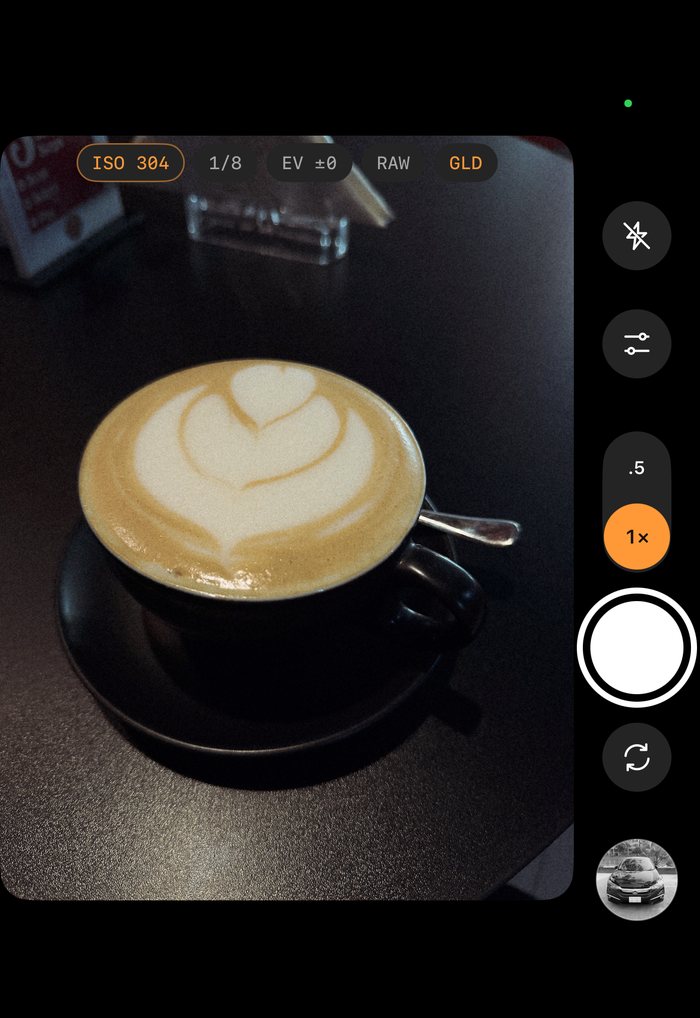
It's the whole camera. Swipe across the picture to change film. Open Controls for the panel, and set ISO and shutter by hand on one dial.
- Film: 46 are built in, 35 in colour and 11 in black and white. You can make as many of your own as you like. All of them work live in the viewfinder.
- Metering: a live histogram, zebras at a clipping level you set, a grid and a level.
- Focus: manual from near to infinity, with a loupe and focus peaking.
- Capture: RAW on the lenses that offer it, and HEIF where there's none. The films develop both. Pick RAW, HEIF or JPEG yourself, in Settings › Format or by tapping the format beside the picture.
You can still import RAW and ProRAW photos from any iPhone or iPad, or RAW files from most cameras, and develop them in any film.
Half open, it's a tiny tripod
Bend the phone like a laptop, and Chobial splits along the fold. The picture takes one page and the controls take the other. Stand it on a table and frame on one half. Change the settings on the other half, and nobody's fingers end up in the shot.
Open, it's a darkroom
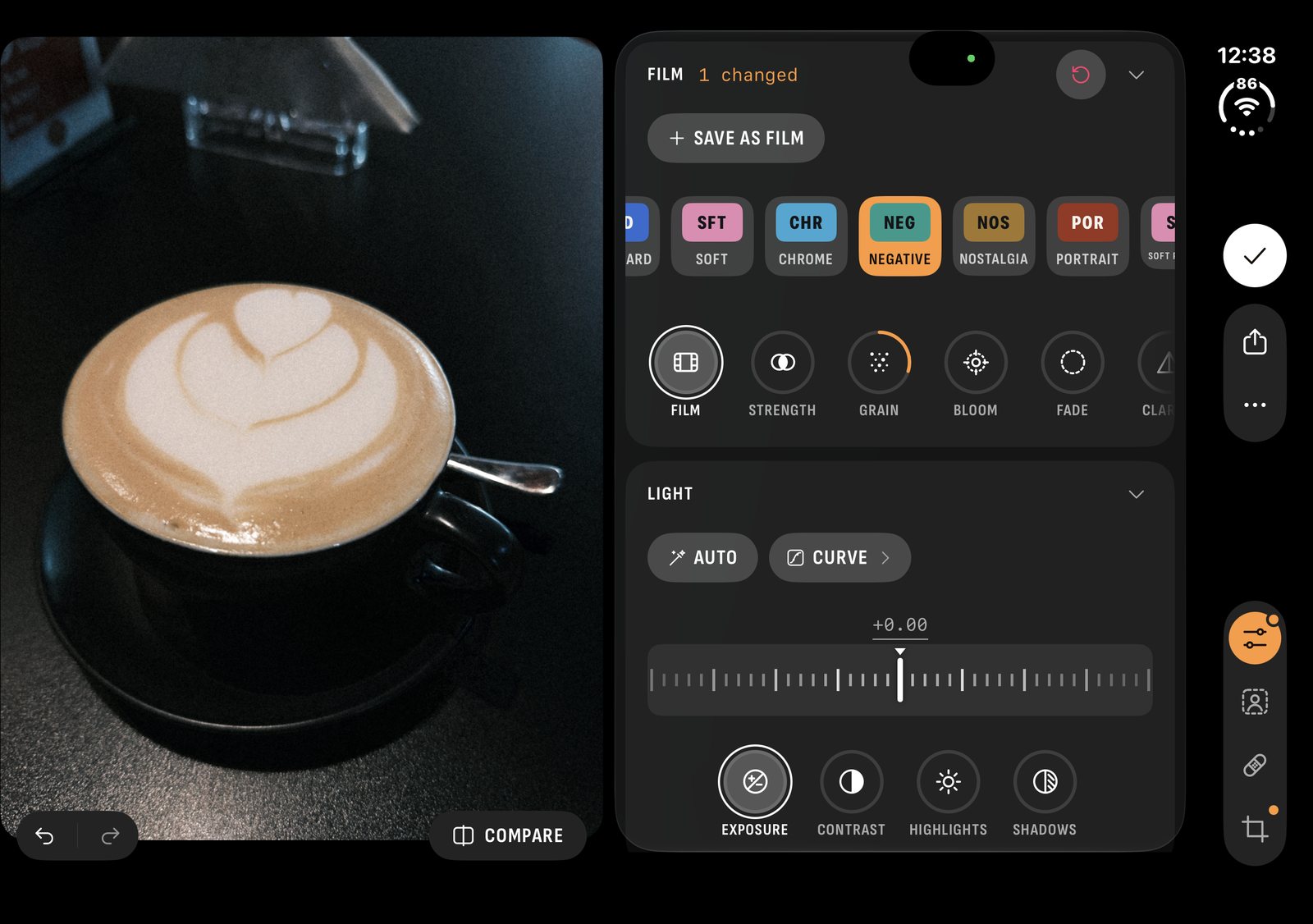
Unfold the phone and turn it on its side, and the picture gets the full height. A column beside it holds the loaded film, the exposure as large chips and the histogram. The Controls panel is in that column too, and it's always open.
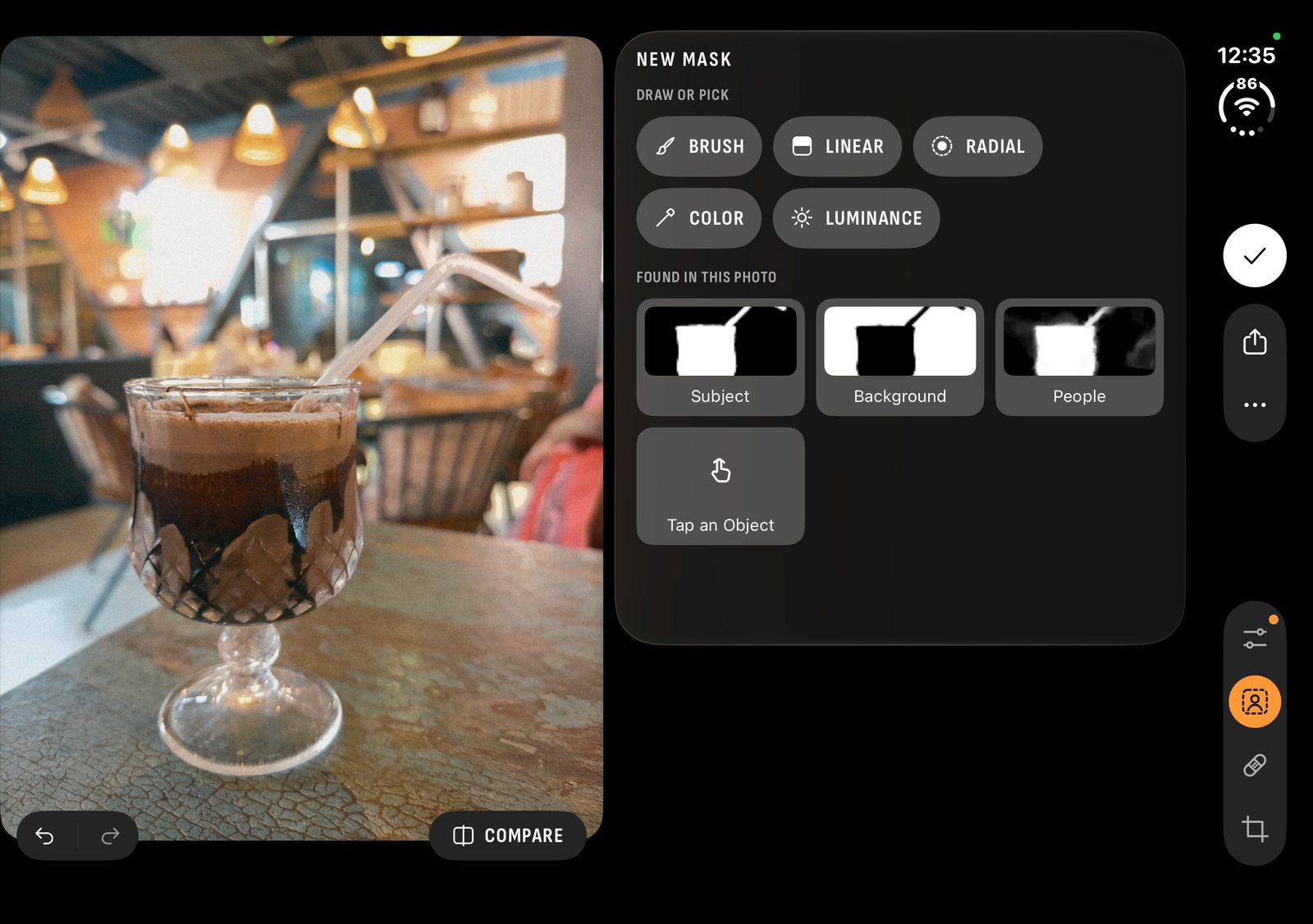
Open a photo, and the editor sits beside it. Film, Light and Color are folding cards under one Edit tab. Each card has its own reset. Masks, Heal and Crop each have a tab of their own. The masks and heal and clone help pages have the steps.
The library spreads out too, with more photos in each row. Every photo keeps its original. So you can develop it again in another film on the big screen.
The outer screen shows your subject the film
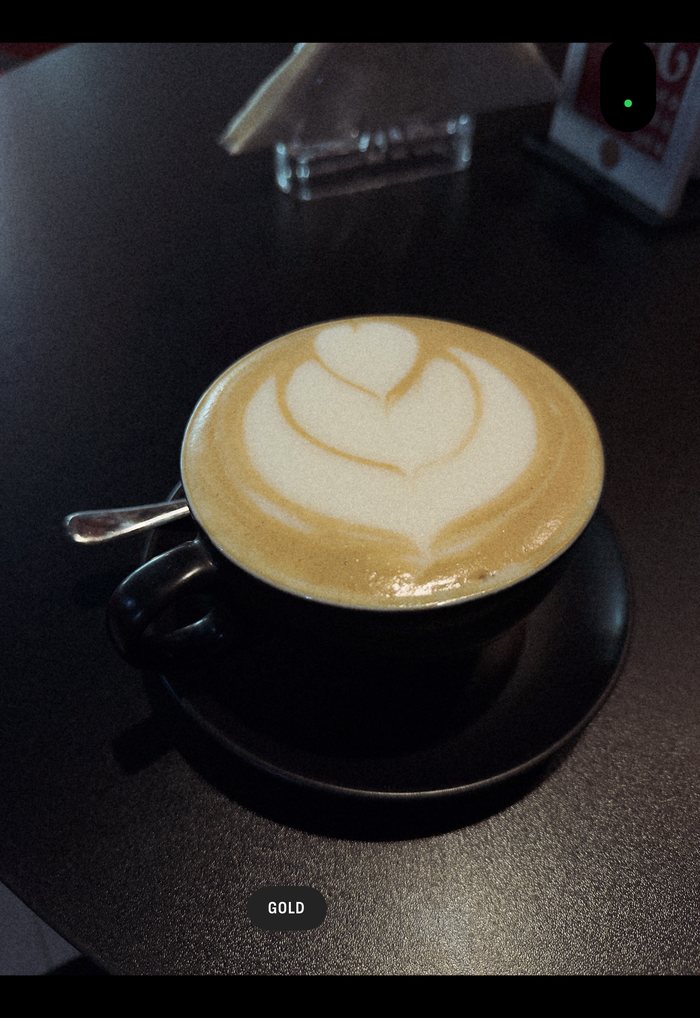
While you shoot on the inner screen, the outer screen shows the person you're photographing the picture. It's mirrored, the way a mirror should be. It's in the film, with the film's name underneath. So they see the Gold before you press the shutter, and they can fix their hair.
When you flip to the front camera, Chobial picks the one on the side of the fold you're looking at.
The Apple Watch remote on iPhone Duo
iPhone Duo is an iPhone, so the Apple Watch remote works the same as on any other iPhone. Open Chobial on the phone, and the watch shows what the camera sees, with the film and the exposure. That helps when the Duo is standing half open on a table.
The details
- Devices: iPhone Duo, iPhone and iPad, on iOS 26. There's no Mac version yet, but an editor-only Mac version is planned.
- LUTs and presets: import any .cube file or Lightroom preset as a film, and export your films as .cube or .xmp. See the LUTs help page.
- Shutter: the Timer tile in Controls waits 3 or 10 s before it takes the picture. The Apple Watch remote has a framing preview, the same timer, your films and your latest photos. Siri works too: "Shoot Chrome with Chobial".
- Buttons: in Settings › Buttons, you choose what the round button beside the shutter does. It's Flash until you change it.
- Video: there's no video. Chobial is a stills camera.
- Sync: films, settings and photos sync over your own iCloud to your other iPhones and iPads.
- Price: shooting, developing, editing and making films are free. Saving in 22 films is free too. Pro saves in every film, and it saves photos that use masks and heal. Pro is $29.99 once, or $14.99 a year with the first week free. Those are US prices, and the App Store shows your local price.
- Privacy: there's no account and no analytics. No pixels are generated. Read the privacy policy.
To see what each of the 46 films looks like, browse the films.